Mirrorless camera or phone: which fits your family photography?
Compare a dedicated camera and a phone for everyday memories, travel and learning photography.
Research-led guidance based on published information and practical selection criteria. We have not performed hands-on testing of the products discussed.
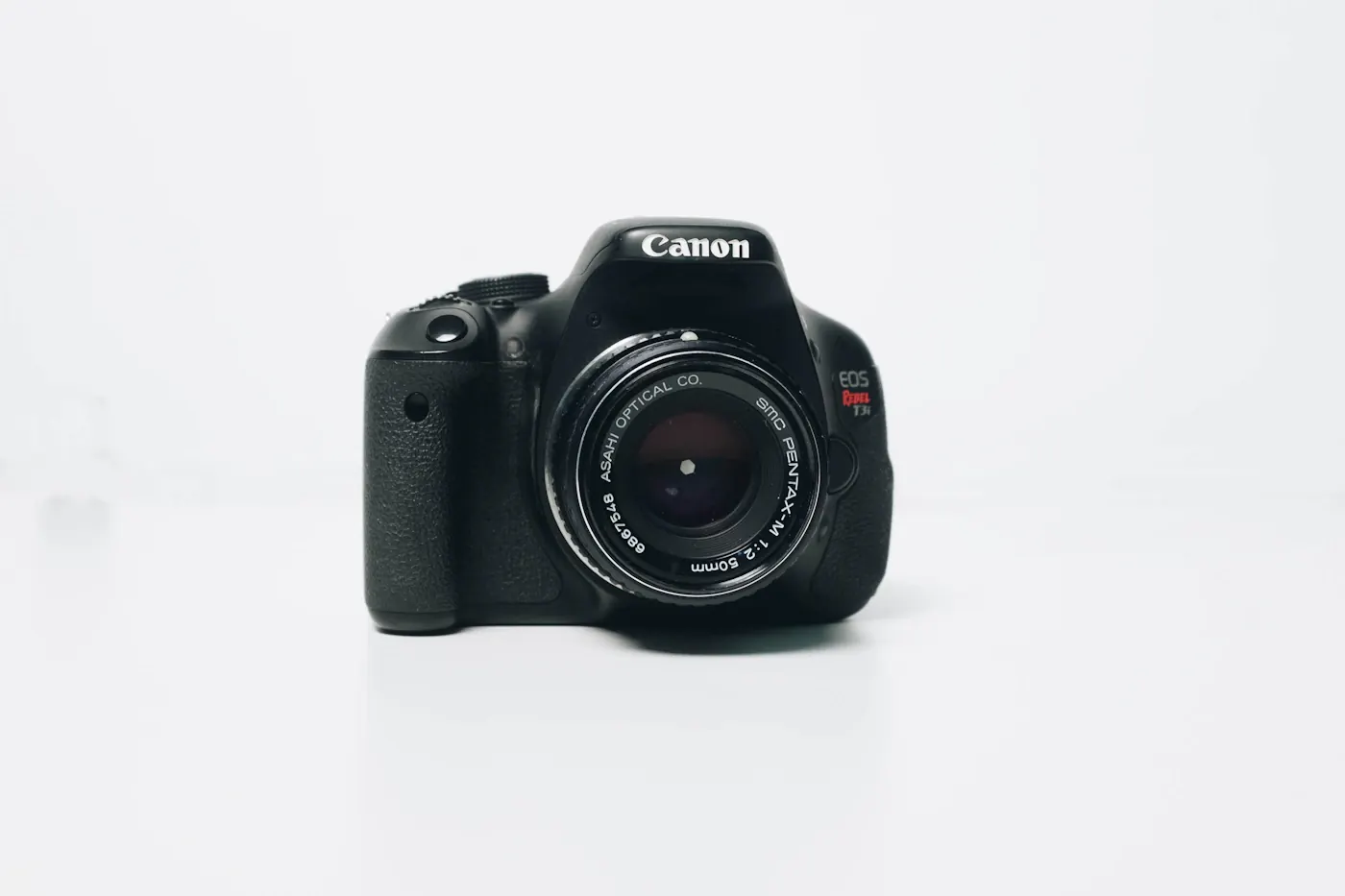
At a family gathering, someone wants photographs of children moving around a dim room. A phone is always nearby, while a dedicated camera sits in a bag with a lens attached. Either can make useful images, but the better purchase depends on whether you want immediate convenience or are willing to learn and carry a more deliberate photography system.
Short verdict
Keep using a phone for everyday sharing and lightweight travel unless its limitations repeatedly prevent the photographs you want. Choose a mirrorless camera when interchangeable lenses, more direct control, and a photography workflow appeal enough to justify carrying and learning the equipment. Buying a camera does not automatically improve composition or guarantee sharp family pictures.
Decide by routine
| Photography routine | Sensible starting point | Main cost beyond hardware |
|---|---|---|
| Casual family sharing | Existing phone | Storage and backup habits |
| Learning exposure and lenses | Mirrorless camera | Practice and editing time |
| Travel with minimal luggage | Phone | Less lens flexibility |
| Specific creative projects | Camera system selected for the project | Suitable lenses and transport |
Phones combine capture, processing, editing, and sharing in one familiar device. Dedicated cameras separate more of those steps, though wireless transfer options vary. This difference matters when you want to send a photograph immediately or keep a child engaged while taking a picture.
Mirrorless cameras allow lens changes, but the usefulness of that flexibility depends on buying the right lens. A camera body with an unsuitable lens can be less convenient than a phone for your usual subjects. Official manufacturer guides are useful for understanding exposure and lens selection without assuming that every current model offers the same capabilities.
Picture the whole system
Budget for lens, memory card, bag, battery arrangement, and any software you need. A body-only price is not the cost of a ready-to-use camera. Check what a kit includes, and research whether its lens suits ordinary rooms, travel, or your intended subject distance.
Lens compatibility requires care. Mount names, sensor coverage, adapters, and feature support matter. A lens that can physically attach through an adapter may not retain every autofocus or operational function. Verify the specific combination in official documentation rather than relying on a general brand match.
Handle the camera if possible. Controls, grip, and weight influence whether it leaves the house. A technically capable system that feels cumbersome may be used less than a simpler one. Also check how photographs transfer to the computer or phone you already own.
Match expectations to family life
Moving children require attention to focus and exposure choices. Automatic modes can help, but they cannot remove every challenging condition. Learning when to increase shutter speed, change focus settings, or improve available light is part of the dedicated-camera route.
Phones also have limits, especially when relying on heavy cropping or demanding light conditions. Yet improved technique can help both devices: move closer when appropriate, watch distracting backgrounds, and look for better light. Try those changes before assuming the only solution is a purchase.
Avoid judging solely by megapixels. Lens behavior, focus, processing, handling, and the way you view the finished image all affect the result. A large file may offer editing flexibility, but it also requires more storage. Decide whether you want to manage and edit those files regularly.
Purchase priorities
First identify the repeated problem: unavailable framing, inadequate control, difficult movement, or simply wanting to learn photography. Then compare systems that address it. Read independent evaluations with clear methods, and inspect official manuals for features essential to your use.
Prioritize a useful lens and comfortable operation over accumulating accessories. Buying used can stretch a budget, but check condition, return rights, battery health where relevant, and warranty terms. Avoid an unfamiliar seller when the saving depends on uncertain equipment condition.
Establish backups from the beginning. Neither a camera card nor a phone is a complete preservation strategy. Copy irreplaceable family pictures to another location and confirm the copy can be opened.
Who should skip a mirrorless purchase?
People who want effortless sharing, dislike carrying a bag, or have no interest in learning may be happier with a phone. If the main goal is recording rugged outdoor activity hands-free, consider our action-camera guide instead. Camera categories solve different problems.
FAQ
Will a dedicated camera always take better pictures?
No. Conditions, lens choice, settings, and technique matter. The camera adds capabilities, but those capabilities need a suitable workflow.
Should I buy an extra lens immediately?
Only when you can name the job it will do. Use the starting lens enough to understand which focal lengths or features you actually miss.
Is phone editing enough?
It can be for many workflows, provided transfer and file support meet your needs. Test your intended process before committing to equipment that requires software or storage you do not have.
Sources & further reading
Consult these official resources for technical details and compatibility. Product availability, specifications, and terms can change; verify the exact model before buying.
Spotted an error? Send a correction to Smartvora.