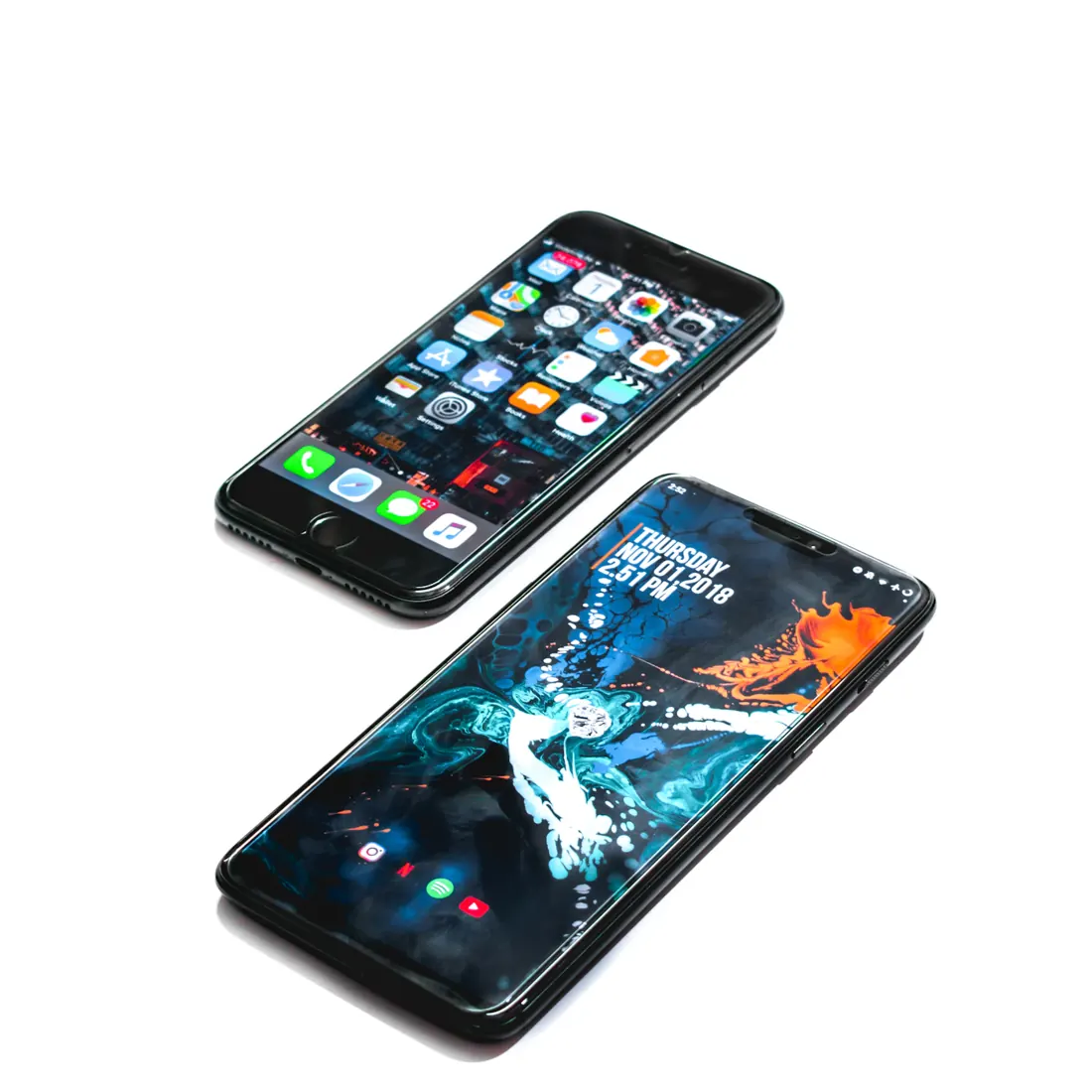
Tablet vs. Laptop for Travel: Choose Around Your Actual Work
Decide whether a tablet can handle your trip or a laptop earns its extra weight.
Research-led guidance based on published information and practical selection criteria. We have not performed hands-on testing of the products discussed.

A tablet feels like an obvious travel choice until a simple task requires a desktop application, a particular browser extension, or several documents open at once. A laptop feels essential until it spends an entire holiday untouched. Choose by rehearsing the tasks you expect to do, including the awkward ones, before choosing by weight.
Our recommendation is a tablet for reading, entertainment, short messages, and workflows already proven in its apps. Carry a laptop when the trip includes substantial document editing, complex spreadsheets, specialist software, or work where a failed workaround would be costly. Accessories can narrow the gap but do not erase software differences.
Write a realistic task list
Think beyond the enjoyable part of travel. You may need to amend a booking, upload an expense receipt, join a meeting, sign a document, or retrieve a file from a company system. A browser version of an application can help, but it may behave differently from its desktop counterpart. Offline access also matters when the connection disappears.
Before buying, complete one representative task on the device or equivalent software. Open your actual spreadsheet, use the required login process, attach files, and export in the needed format. Check your employer’s security rules if work information is involved. An application appearing in a store is not proof that every feature you need exists there.
| Travel workload | Better starting choice | Main limitation to investigate |
|---|---|---|
| Reading, streaming, and itinerary checks | Tablet | Offline downloads and storage |
| Short emails with occasional documents | Tablet with suitable keyboard | App features and attachment handling |
| Frequent editing and several work windows | Laptop | Weight, charger, and battery planning |
| Specialist software or complex files | Compatible laptop | Operating-system and hardware requirements |
Typing changes the calculation
A touch keyboard is fine for a short reply. Several hours of writing is another matter. A physical keyboard improves the tablet’s usefulness, but the case, keyboard, stand, and sometimes mouse add weight and cost. Compare the complete carried setup against a laptop, not a bare tablet against an assembled computer.
Work out where you will type. A detachable keyboard and stand may be comfortable on a broad desk yet awkward on a narrow tray or your lap. A laptop’s integrated hinge can be easier in cramped spaces. Neither form factor guarantees comfort if the screen sits too low for prolonged use; vary posture and take breaks.
Touch interaction is a useful advantage for annotating and browsing, while a trackpad can be more precise for certain editing tasks. Decide which interaction dominates your work. Buying a stylus because it is available adds little value if your trip involves only typing emails and watching films.
Connectivity and files deserve a rehearsal
Count the devices you may connect: headphones, a memory card, an external drive, a projector, or a hotel display. Verify port and adapter support with the device documentation. A USB-C socket does not promise identical charging, display, or storage behavior across devices. A hub can solve some problems while adding another item to pack.
File management is also part of the choice. Confirm where downloads go, how you upload attachments, and whether your preferred cloud service works offline. If photographs are important, avoid treating the travel device as their only backup. Our family photo storage guide explains a more resilient approach.
Do not pay for cellular connectivity without assessing the alternative. A phone hotspot may be adequate, but check the carrier plan, coverage, battery impact, and relevant roaming terms. Public Wi-Fi can be convenient, yet the trip should not depend on a single uncertain connection or a workflow that only succeeds online.
Who should skip a new travel device?
Keep your current device if it already performs the required tasks and fits your baggage reasonably. Travelers who only need maps, messages, and tickets may manage with a phone. A separate tablet can become an expensive second screen with little practical purpose.
Someone whose work depends on desktop software should not assume a tablet will become equivalent after adding a keyboard. Conversely, a leisure traveler need not carry a laptop purely for hypothetical tasks. Set a clear threshold: which specific activity justifies the extra equipment, and how often will it happen?
Frequently asked questions
Can a tablet replace a laptop for office work?
Sometimes. Check the exact application features, file formats, multitasking requirements, and employer policies. A successful trial using your own documents is more useful than a general claim about replacement.
Does a tablet always have better battery life?
No. Battery life varies by device and workload. Screen brightness, connectivity, video calls, and demanding applications can change the result substantially.
Should I buy more storage or a keyboard first?
Buy around the bottleneck. If typing prevents productive work, prioritize a usable keyboard. If offline media or files exceed available space, address storage. Neither accessory fixes missing application capabilities.
Sources & further reading
Consult these official resources for technical details and compatibility. Product availability, specifications, and terms can change; verify the exact model before buying.
Spotted an error? Send a correction to Smartvora.